
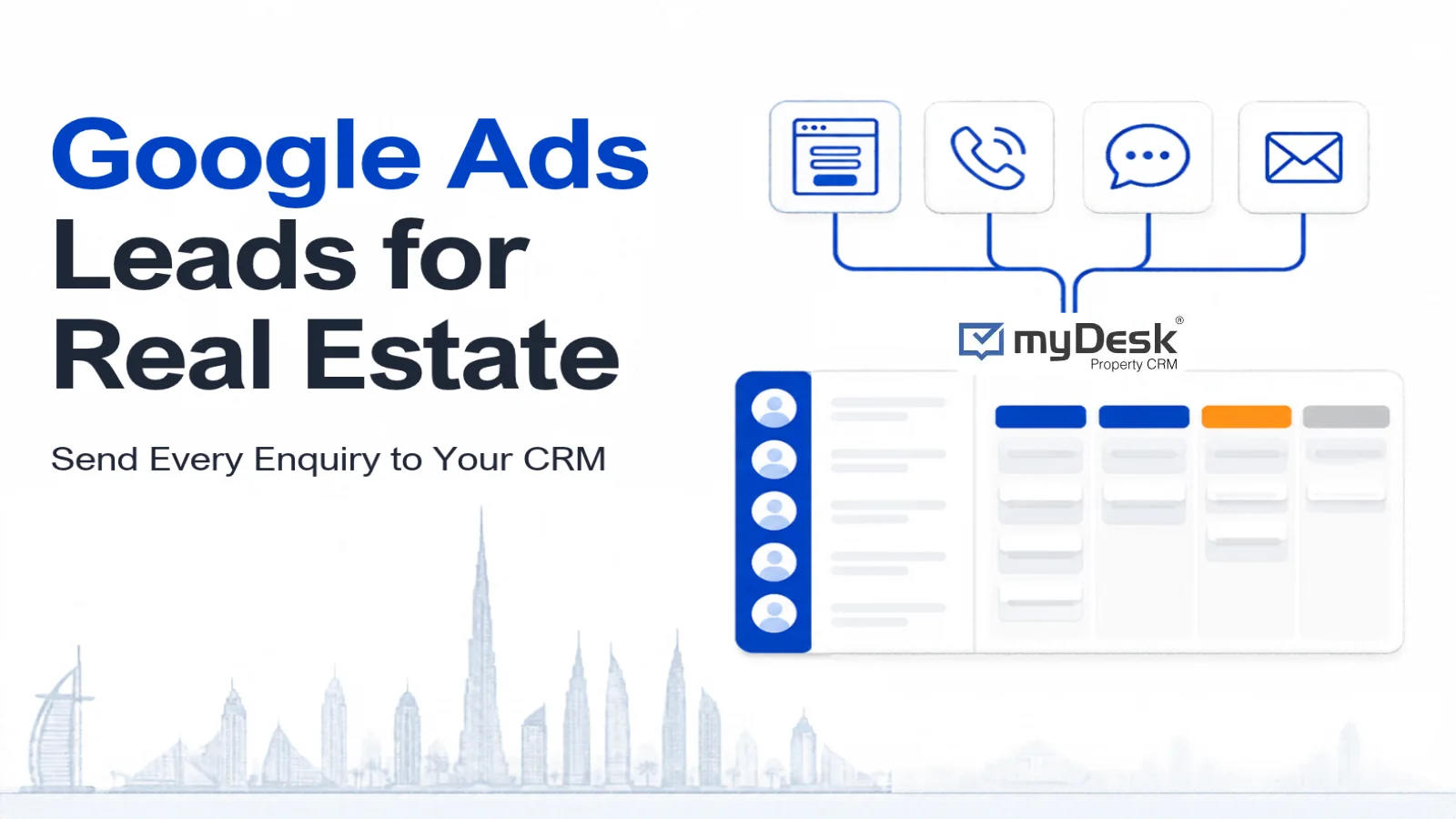
Google Ads can fill your pipeline fast. A well-built campaign brings in form submissions, phone calls and WhatsApp messages within hours. Yet many Dubai agencies lose a large share of those enquiries before an agent ever replies.
The reason is simple. Leads arrive in too many places. Some sit inside Google, some land in an email inbox and some end up on a personal phone. This guide shows how to send every Google Ads enquiry into one CRM, so no lead is missed and every dirham of ad spend can be measured.
Why Google Ads Leads Get Lost
Most agencies run into the same problems:
- Leads live in Google. Lead form submissions are stored in your Google Ads account, and Google keeps that data for only a limited time.
- Emails get buried. Website forms often send alerts to a shared inbox that nobody owns.
- Calls go unlogged. Agents answer on personal phones, and the source of the call is never recorded.
- WhatsApp chats stay private. Clicks to chat start conversations that never reach a shared system.
- Nobody knows what worked. Without a source on each lead, you can’t tell which campaign produced a viewing or a deal.
The result is slow replies, duplicate follow-up and ad budgets that can’t be judged.
The Four Ways Google Ads Brings Enquiries
| Enquiry type | Where it lands by default | Risk | How to send it to your CRM |
|---|---|---|---|
| Lead form in the ad | Google Ads account | Data expires and replies are slow | Webhook or integration tool |
| Landing page form | Website inbox or form plugin | Missing source data | CRM form or hidden tracking fields |
| Phone call from the ad | Agent’s phone | No record of the caller or campaign | Call tracking linked to the CRM |
| WhatsApp click | Personal WhatsApp | Chat never enters the pipeline | WhatsApp integration or logging |
Plan all four before you launch. A campaign that tracks only forms misses much of its own results.
How to Send Each Enquiry to Your CRM
1. Lead forms
Google lead forms let people submit details without visiting your site. They are quick for the buyer and easy to run on mobile. In the form settings, you can add a webhook URL and key so each lead is sent to your system in real time. If you have no webhook, an integration tool such as Zapier can connect the form to your CRM. Do not rely on downloading leads by hand, because Google keeps the data for only 30 days.
2. Landing page forms
Send traffic to a dedicated landing page for each campaign. Add hidden fields to the form that capture the source, campaign, keyword and Google Click ID (GCLID). Submissions should go straight into the CRM, not only to an email inbox.
3. Phone calls
Use call assets in your ads and call tracking so calls are tied to the campaign. Log each call in the CRM with the caller’s number, the time and the source. Missed calls should create a task for an agent to call back.
4. WhatsApp
Many buyers in Dubai prefer WhatsApp to a form. Make sure every chat started from an ad is linked to a contact in the CRM, with the source recorded. Shared access means any available agent can respond, not just one person’s phone.
Which Details to Capture With Every Lead
A good lead record gives agents what they need to follow up well. Capture:
- Name, phone number and email
- Buy or rent intent
- Preferred area or project
- Budget range and timeline
- Campaign, ad group and keyword
- GCLID and the date and time of the enquiry
Keep forms short. Every extra field lowers the number of completed submissions, so ask for the rest during the first call.
Reply Fast: Automate the First Response
Speed often decides who wins a viewing. Buyers send enquiries to several agencies at once, and the first helpful reply tends to get the conversation. Set up your CRM to:
- Assign each new lead to an agent automatically
- Notify the agent by app, email or message
- Send an instant acknowledgement by WhatsApp or email
- Create a follow-up task if no one replies in time
Ask the MyDesk team how these steps work in your setup.
Close the Loop: Send Results Back to Google
Most agencies stop at the lead. The best results come from going further. When a lead becomes a viewing, an offer or a closed deal, send that outcome back to Google Ads as an offline conversion, using the GCLID saved with the lead.
This matters because Google’s bidding learns from the outcomes you report. If it only sees form fills, it finds more people who fill forms. If it sees viewings and deals, it can aim for buyers who act.
Measure What Matters
With every lead and stage in the CRM, your reports can go beyond the click. Track:
- Cost per lead by campaign
- Cost per viewing by campaign
- Cost per deal by campaign
- Lead-to-viewing rate by agent and source
- Response time from enquiry to first contact
A campaign with a cheap lead cost but no viewings is not a good campaign. Reports that follow the full journey show you where to spend more and where to stop.
Common Mistakes to Avoid
- Downloading leads by hand and missing the 30-day limit
- Sending forms to a shared inbox with no owner
- Skipping call tracking
- Dropping the GCLID, so deals can’t be linked to ads
- Judging campaigns by cost per lead alone
- Letting leads wait for hours before the first reply
Launch Checklist
Before you switch on a Google Ads campaign, confirm that:
- Every lead form has a webhook or integration connected to the CRM
- Landing page forms capture source, campaign, keyword and GCLID
- Calls are tracked and logged
- WhatsApp chats from ads reach the CRM
- Leads are assigned to an agent automatically
- A test enquiry travels through every channel without a break
- Reports show cost per lead, viewing and deal
Bring Every Enquiry Into One Place
A strong Google Ads campaign is only as good as the system that handles its leads. MyDesk helps UAE real estate agencies bring forms, calls and chats into one pipeline, so agents reply faster and managers see what each campaign delivers. Book a MyDesk demo to see how it works for your agency.
Frequently Asked Questions
How do I send Google Ads leads to my CRM?
Use a webhook or an integration tool for lead forms, add hidden tracking fields to website forms, and connect calls and WhatsApp clicks. All enquiries then land in one CRM pipeline.
What is a Google Ads lead form?
A lead form is an ad format that lets people submit their details inside Google without visiting your website. Google then stores the lead and can send it to your CRM.
How long does Google keep lead form data?
Google keeps lead form data for a limited time, currently 30 days. Send leads to your CRM in real time so none are lost.
What is a webhook and why does it matter?
A webhook sends each new lead to your CRM the moment it is submitted. It removes manual downloads and speeds up your first response.
What is a GCLID and why should I capture it?
A GCLID is the Google Click ID added to your landing page URL after an ad click. Saving it with each lead lets you link deals back to the ad.
How can I track phone calls from Google Ads?
Use call assets and call tracking so calls from ads are recorded with their source. Log each call in your CRM, with the caller’s number, time and campaign.
What are offline conversions in Google Ads?
Offline conversions are real outcomes, such as viewings or closed deals, that you send back to Google Ads. This helps Google find buyers instead of form fills.
Which lead details should real estate agencies capture?
Capture name, phone, email, buy or rent intent, area, budget and timeline. Also store the campaign, keyword, GCLID and time of enquiry.
How fast should agents reply to Google Ads leads?
Reply within minutes. Buyers often enquire with several agencies at once, and the first helpful response usually has the best chance of winning the viewing.