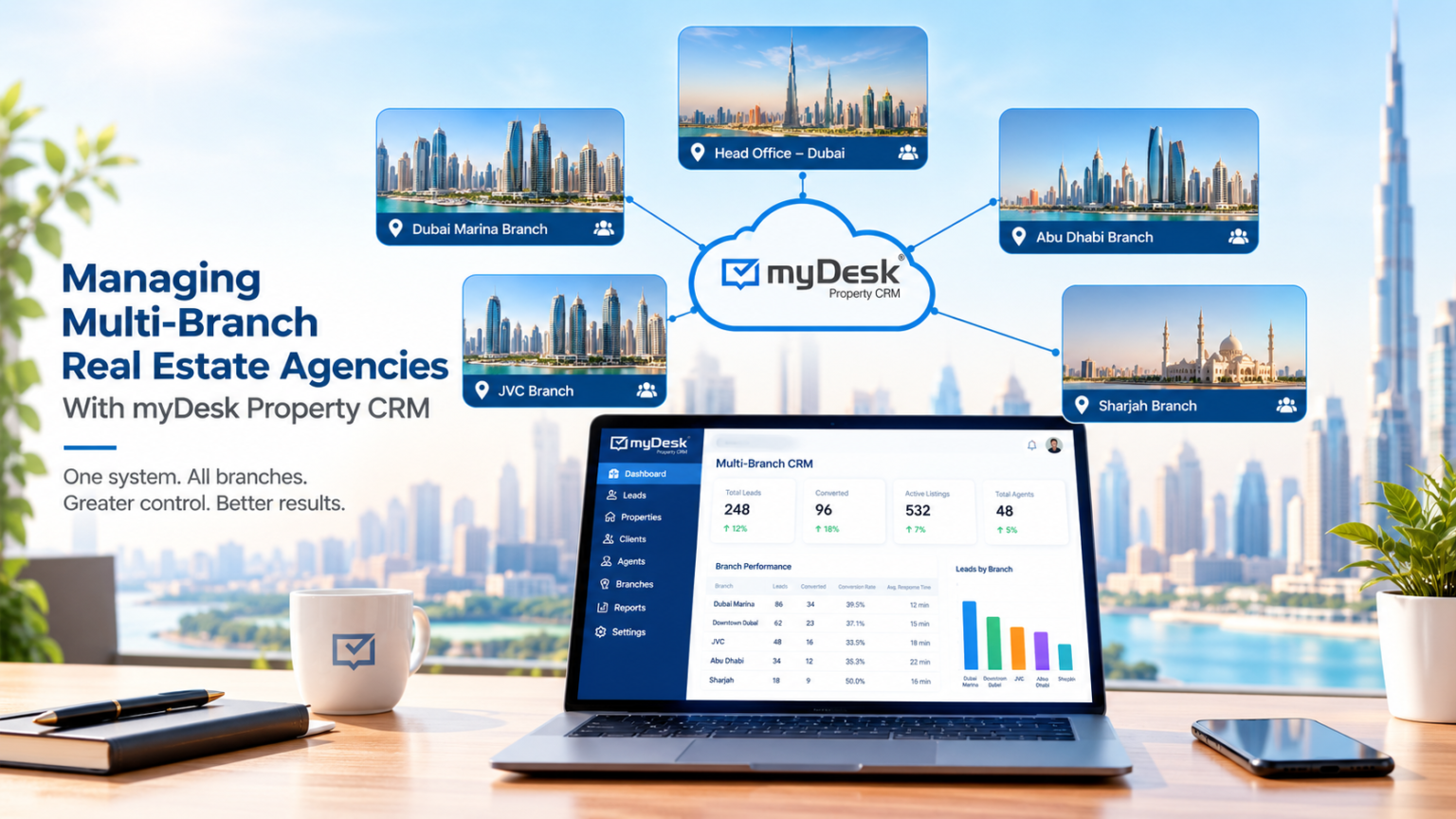
Running one real estate branch is hard enough. Running several branches multiplies every challenge instantly. Leads, listings, and agents can easily fall out of sync. A CRM built for multi-branch operations solves this problem. This guide explains how CRM software keeps every branch aligned.
The Challenge of Multi-Branch Real Estate Management
Multi-branch agencies juggle different teams, markets, and client bases at once. Without a shared system, leads often get duplicated or lost. Agents in one branch may not see listings from another. Management struggles to compare performance across locations accurately.
Common pain points include:
- Leads not routed to the right branch or agent
- Inconsistent follow-up across different locations
- Limited visibility into branch-level performance
- Duplicate client records across separate systems
A centralized CRM directly addresses each of these issues.
What a Multi-Branch CRM Actually Does
A multi-branch CRM centralizes data while still respecting branch boundaries. Every lead, listing, and client interaction lives in one system. Branch managers see only their own team’s data by default. Head office gains a company-wide view across all locations.
This structure keeps daily operations simple for local teams. It also gives leadership the reporting they need company-wide.
Centralized Lead Management Across Branches
Leads often arrive through many channels, including calls, websites, and social media. A CRM automatically routes each lead to the correct branch. Rules can assign leads by location, property type, or agent availability. This prevents leads from sitting unassigned or getting duplicated.
Automated routing also speeds up response times significantly. Faster responses lead directly to higher conversion rates.
Branch-Level Reporting and Performance Tracking
Comparing branches manually wastes time and invites errors. A good CRM generates reports for each branch automatically. Metrics can include lead volume, conversion rate, and average deal size. Management can spot underperforming branches and address issues quickly.
Useful reporting metrics include:
- Leads received versus leads converted per branch
- Average response time by branch and agent
- Listings sold or rented per location
- Agent activity and follow-up consistency
Sharing Listings Across Locations
Clients often want properties outside their local branch’s coverage area. A shared CRM lets agents view listings from every branch. This increases cross-selling opportunities and improves client service. Agents can collaborate on shared listings without confusion over ownership.
Clear commission-sharing rules prevent disputes between branches. The CRM can track referral sources automatically for fair attribution.
Communication and Call Integration
Consistent communication matters more with multiple branches involved. Integrating phone systems with the CRM logs every call automatically. Agents see full client history before answering any call. This prevents repeated questions and improves the client experience.
Call recordings also support training across different branch teams. Management can review calls to maintain consistent service standards.
User Permissions and Data Security
Not every user should see every branch’s data. A strong CRM offers role-based access controls by branch. Branch managers see their own team’s pipeline and reports only. Head office administrators can access company-wide data securely.
This structure protects sensitive client information appropriately. It also keeps branch teams focused on relevant data only.
Choosing the Right CRM for Multi-Branch Agencies
Not all real estate CRMs support true multi-branch structures well. Look for platforms built specifically for multi-location businesses. Key features to evaluate include:
- Branch-based user roles and permissions
- Automated lead routing by location
- Shared listing databases across branches
- Consolidated reporting for leadership teams
- Integration with phone and messaging systems
Platforms like MyDesk focus specifically on UAE real estate teams. It automates lead management, portal listings, and client communications in one system.
Implementation Tips for Smooth Adoption
Rolling out a new CRM across multiple branches takes planning. Start with one pilot branch before a full rollout. Train branch managers first so they can support their teams. Migrate historical data carefully to avoid losing client history.
Set clear expectations for lead follow-up timing and data entry. Regular check-ins help identify adoption issues early.
Conclusion
Managing multi-branch real estate agencies requires more than spreadsheets and separate systems. A centralized CRM connects leads, listings, and agents across every location. It gives leadership clear visibility while keeping branches focused locally. The right CRM turns scattered operations into one coordinated business.
Ready to bring your branches onto one system? Contact our team to find the right CRM fit.
FAQ
Why do multi-branch real estate agencies need a CRM?
A CRM prevents lost leads and duplicate client records across branches. It also gives leadership visibility into every location’s performance.
Can each branch keep its own data separate?
Yes, role-based permissions let branches see only their own pipeline. Head office can still access company-wide reporting securely.
How does a CRM improve lead routing across branches?
It automatically assigns leads based on location, property type, or availability. This reduces delays and prevents unassigned leads.
Can agents share listings between different branches?
Yes, most multi-branch CRMs allow shared access to listings. This supports cross-selling and better client service.
Does a multi-branch CRM integrate with phone systems?
Many CRMs integrate with calling platforms to log interactions automatically. This gives agents full client history before every call.
How long does it take to implement a multi-branch CRM?
Timelines vary, but a pilot branch rollout often takes a few weeks. Full rollout depends on data migration and training needs.
What metrics should leadership track across branches?
Track lead volume, conversion rate, response time, and listings closed. These metrics highlight strong and underperforming branches clearly.